
Release Notes
Product Name:   eVue and eFit
Version Number: 5.41
Release Date:   May, 2026
Table of Contents
Introduction
Welcome to the May 2026 release of Efferent eVue and eFit. This release includes enhancements focused on workflow usability and interaction consistency across the platform. Improvements were made to the eFit experience on touch-enabled devices, providing more stable and responsive implant manipulation and visualization during the planning process. In addition, downloaded files now include the patient’s first or last name in the naming convention to improve file traceability and organization.
This release also includes usability and validation improvements to the Export Worklist workflow, providing a more guided and reliable user experience.
Improvements
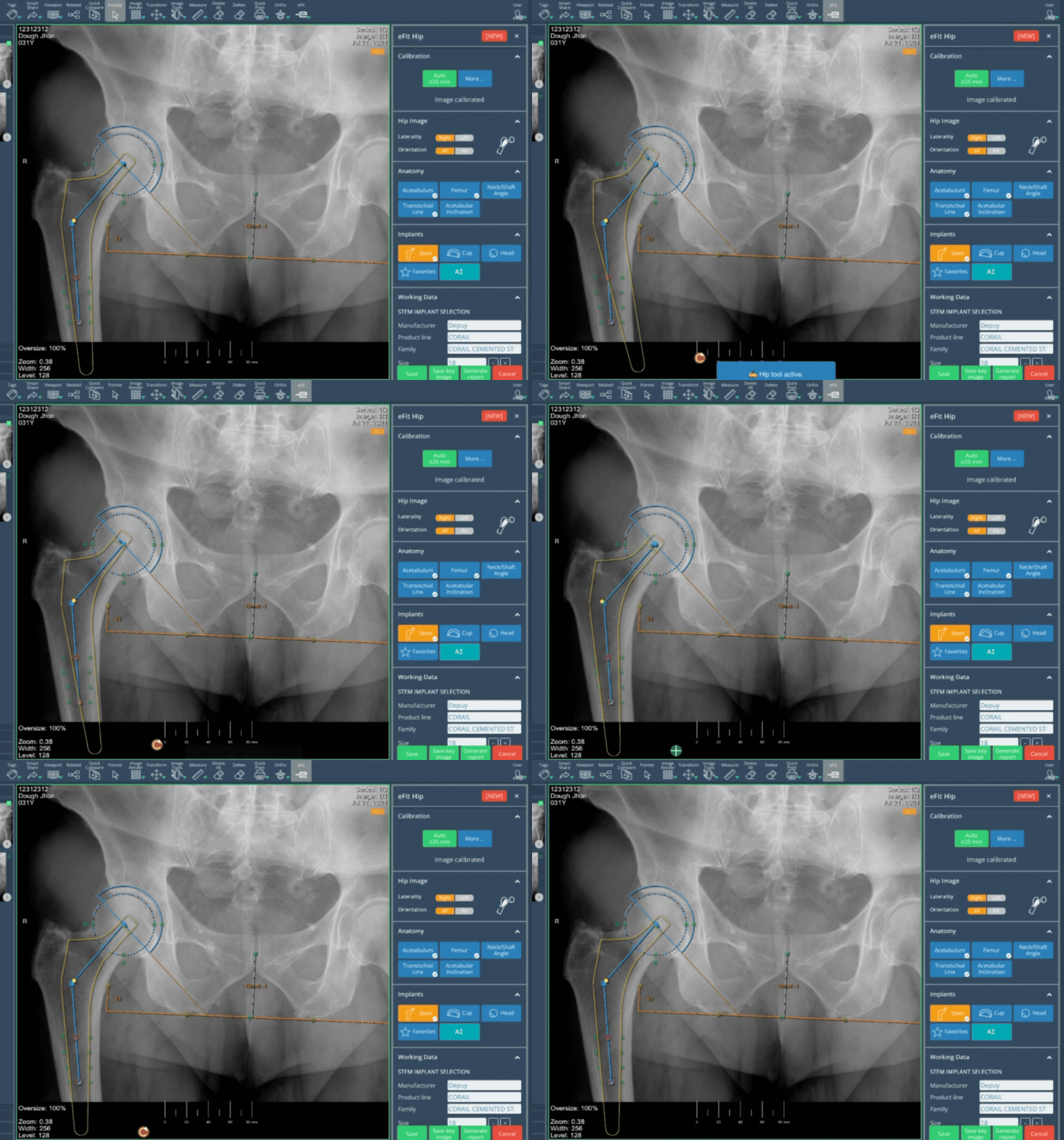
eFit: Touch Device Stability and Interaction Improvements
The eFit experience on touch-enabled devices has been enhanced to provide improved stability and smoother interaction during use. Users can now perform visualization tasks and make the necessary adjustments directly on touch devices with greater reliability and responsiveness, including repositioning and rotating implants during the planning process. For the most precise planning and the best overall experience, the use of a mouse is still recommended.
Download File Naming Convention
The downloaded files now include the patient’s first or last name in the file naming convention to enhance file traceability.
Bug Fixes
Export Worklist Validation: The system did not properly guide users when required inputs were missing or invalid. The “Days Back” field lacked the appropriate validation, and “Modality” incorrectly allowed manual text entry instead of restricting users to dropdown selection. In these cases, the system only displayed a generic “Operation Failed” message without indicating the required corrective action.
Resolved Marker Background Coverage Issue During Printing: In some cases, the marker background did not extend across the full word when printing.
Resolved Duplicate Physician Names in DICOM Routings: In the DICOM Routing functionality, different destinations were being treated as separate physicians when their names contained minor differences, such as periods or commas. This has been corrected to ensure routing is sent to the intended destination as expected.
Resolved Annotation and Calibration Errors Within Stitch: Errors affecting measurement and calibration annotations within stitch images were corrected to support proper work on composed images.
Resolved Unexpected Zoom Effect During Image Scrolling: Resolved an issue where DX images appeared slightly zoomed when scrolling through a series. Image display is now consistent during series navigation.
Resolved Issue Affecting ‘Check and Apply’ During Upload: Resolved an issue in the Edit workflow of the upload process where the Check and Apply button was not displaying validation messages for newly entered demographic values.
Resolved Cine Playback Hang in Multiframe Studies: Some multiframe studies contained unsupported data that prevented Cine playback and blocked the selected series from playing. This issue has been resolved by adding support for this data, allowing proper visualization of the series in Cine mode.
Deprecations
None
Known Issues
None
Upcoming Features
None
Thank you for being a valued user of Efferent. We hope these updates enhance your experience. For any questions or feedback, please contact our support team at support@efferenthealth.com