
Release Notes
Product Name:   eVue and eFit
Version Number: 5.44
Release Date:   August, 2026
Table of Contents
Introduction
Welcome to the August 2026 release of Efferent eVue and eFit. This update introduces key efficiency enhancements, including persistent calibration states, automatic annotation saving, and synchronized planning panels across workflows. Additionally, it brings important stability fixes, such as resolving independent CINE playback behavior in multi-viewport layouts.
Improvements
Smart Calibration Recall
The calibration panel has been updated to automatically detect and reuse existing valid calibrations—supporting Sphere, Line, and Oversize MAG methods—eliminating redundant recalculations when opened. Upon detection, the panel displays a "Calibrated" status within a collapsed, completed section while preserving all previous values, keeping the interface fully interactive so users can review settings or manually trigger a new calibration without the planning panel automatically overwriting existing data.
Auto-Save for Pelvic Tool Annotations
The Pelvic Tool has been updated with an automatic save feature that preserves annotations as soon as measurement groups—such as the Anterior Pelvic Plane (APP) or Pelvic Tilt (PT)—are completed. This improvement ensures that work is securely saved in the background without requiring manual intervention, allowing to safely navigate away or close the study at any time. Furthermore, the "Save Key Image" option is now immediately available once an annotation is auto-saved, streamlining the workflow while maintaining the ability for users to manually update existing measurements whenever necessary.
Auto-Reopen eFit Planning Panels
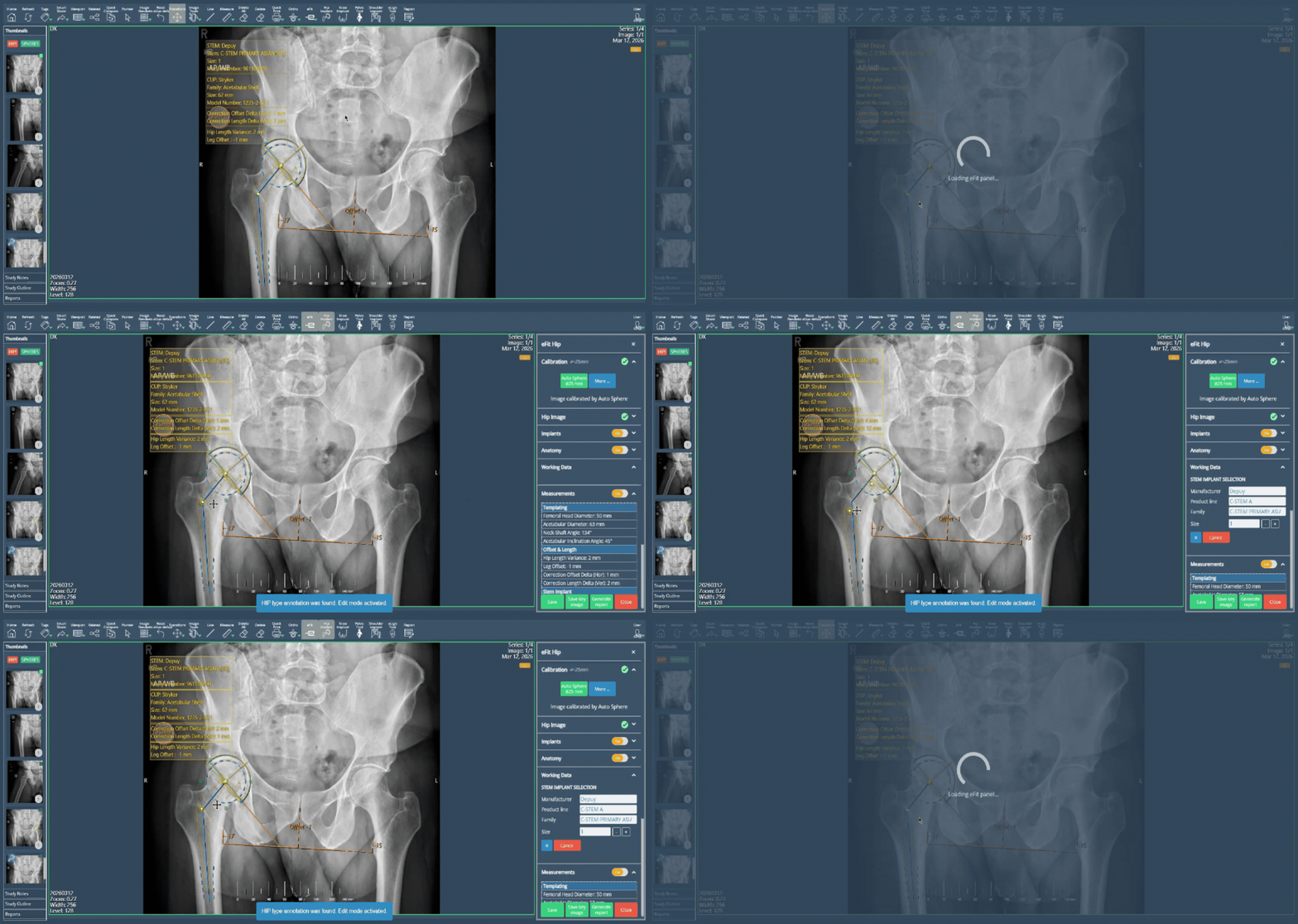
The planning panels have been updated to automatically reopen whenever users interact with existing planning elements while a panel is closed, extending this unified behavior consistently across the Hip, Knee, Shoulder, and Pelvic Tool workflows. Interacting with elements in the viewport—such as selecting, dragging, or rotating them—will instantly reopen and synchronize the panel with the current planning state, allowing users to continue editing seamlessly without repeating actions.
Bug Fixes
- CINE Playback Control in Multi-Viewport Layouts: Pausing an active CINE loop in a single viewport caused the images in adjacent viewports within a multi-viewport layout to unexpectedly advance. Pausing playback now correctly affects only the active viewport, keeping the images in all other viewports completely stable.
Deprecations
None
Known Issues
None
Upcoming Features
None
Thank you for being a valued user of Efferent. We hope these updates enhance your experience. For any questions or feedback, please contact our support team at support@efferenthealth.com